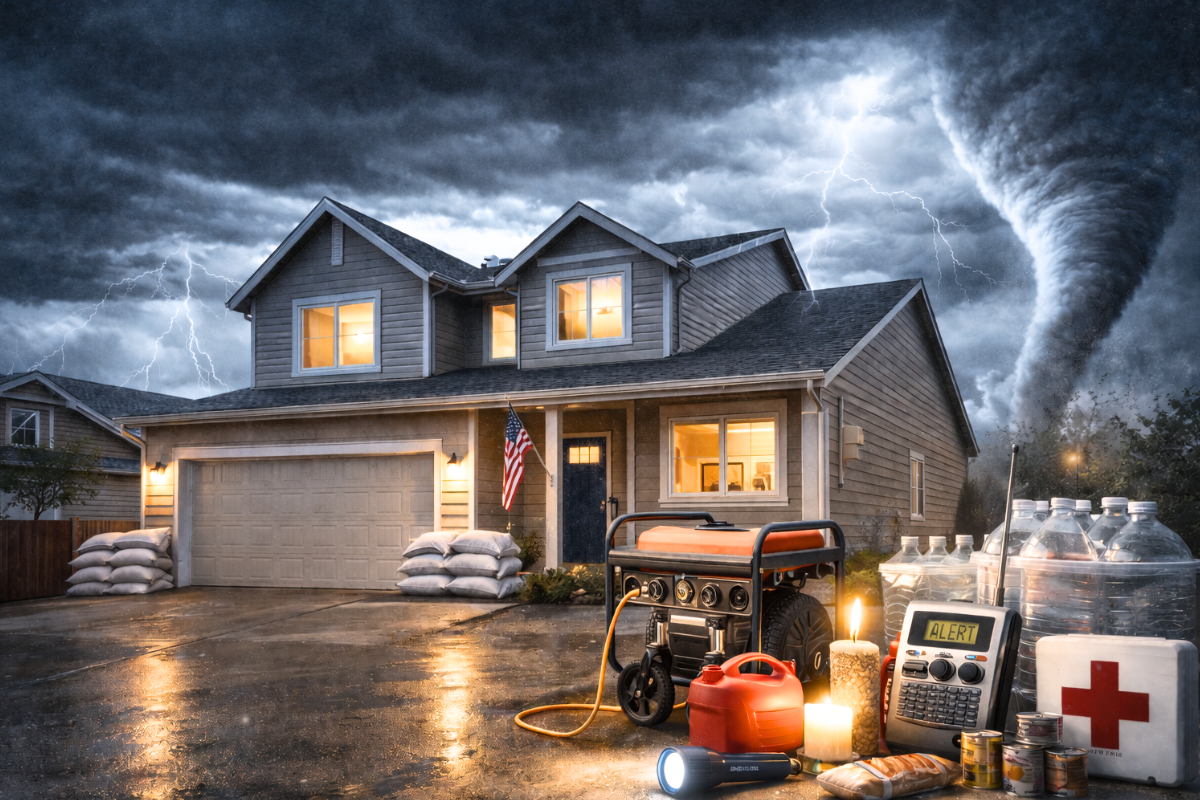
Storm season in Tampa Bay often brings more than outages—it can also cause power surges, moisture damage, and electrical hazards. A few smart steps before the next storm can help protect your home, reduce expensive damage, and keep critical circuits safer when the grid goes down.
Use this checklist to prepare your electrical system before the storm and to make safer choices after power returns.
Storm-Ready Electrical Checklist (Tampa Bay)
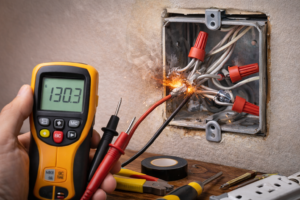
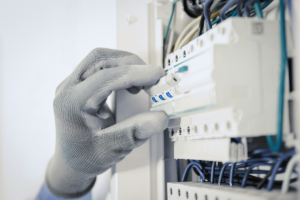
1) Check your electrical panel for warning signs
Your panel is the heart of your electrical system. If it’s outdated or overloaded, storm season is when problems show up.
Breakers trip often or won’t reset
Buzzing sounds or a warm panel cover
Rust, corrosion, or moisture near the panel
Not enough breaker spaces for new circuits
Lights dim when major appliances turn on
If you’re adding big loads (EV charger, generator transfer equipment, major appliances), a load calculation can confirm whether your panel has the capacity to support it safely.
2) Add whole-home surge protection
Storm-related power events can create voltage spikes that damage electronics and appliances.
Whole-home surge protection is installed at the electrical panel
It helps reduce surge damage across multiple circuits
It works best paired with quality plug-in surge strips for sensitive devices
If you’ve ever lost a TV, router, appliance board, or garage door opener after a storm, this upgrade is worth considering.
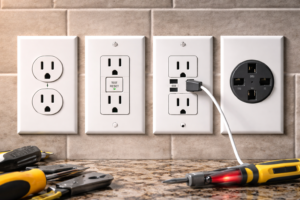
3) Confirm GFCI protection where moisture is common
GFCI outlets reduce shock risk in wet and outdoor areas—especially important in Florida.
Check for GFCI protection in:
Bathrooms and kitchens
Garages and laundry areas
Outdoor outlets and patios
Pool/spa areas or dock/boat-lift setups
Quick test: press TEST, then RESET. If it won’t reset or trips repeatedly, moisture, corrosion, or a wiring fault could be the cause.
4) Plan backup power the safe way (no backfeeding)
If you want generator power during outages, the key is transfer equipment that prevents dangerous backfeeding.
Safe options include:
Transfer switch installation
Interlock kits (panel-specific, when appropriate)
Portable generator inlet installation
Avoid unsafe setups that can put your home and utility line workers at risk.
5) Choose your “critical circuits”
Most homeowners don’t need to power everything—just what matters most.
Common critical circuits:
Refrigeration
Select lights and outlets
Wi-Fi/router and phone charging
Medical equipment
Garage door and basic security
A critical-circuit plan helps determine generator size and the best transfer solution.
After the Storm: When to call an electrician
Schedule service if you notice:
Burning smells, scorch marks, or buzzing
Warm outlets or switches
Breakers that trip repeatedly after power returns
Flickering lights across multiple rooms
Water exposure near outlets, panels, or equipment
If there’s smoke, fire risk, or active sparking, call emergency services first.
Need help getting storm-ready in Tampa Bay?
Power LLC helps homeowners and businesses prepare with:
Electrical safety inspections
Whole-home surge protection
Panel upgrades and capacity planning
Generator transfer switch / interlock installation
GFCI/AFCI safety upgrades
Request service today and we’ll recommend the most practical storm-ready upgrades for your home.